

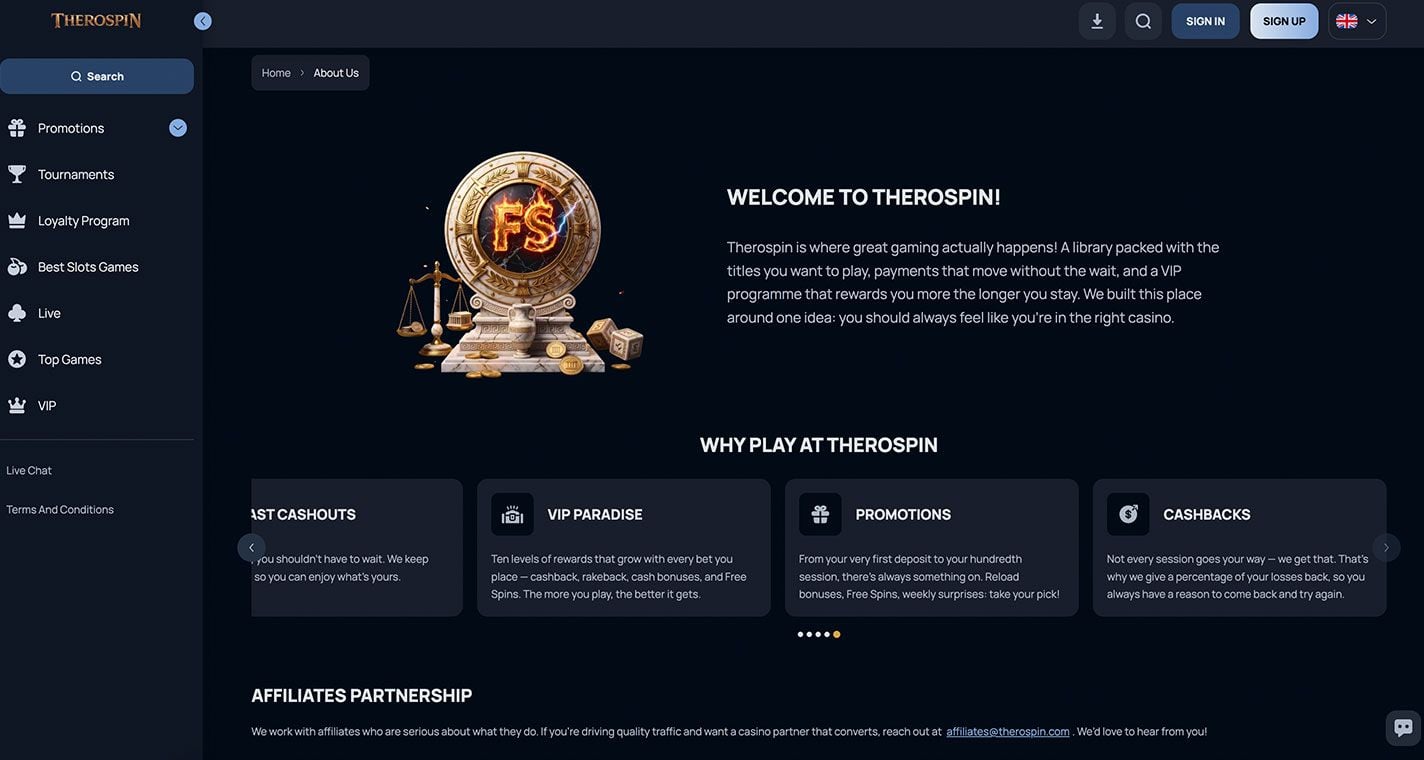
For adults who browse online casinos on a phone, convenience should not replace careful checking. A mobile browser can provide access to a casino lobby and account pages without requiring a dedicated application, but the small screen can hide important terms, security signals and navigation details. The Australia-facing information for Herospin is available through streetdogzthornbury.com, which is useful as an informational reference when comparing mobile browsing arrangements. Before using any operator, confirm what the site actually supports, which rules apply to you and whether the mobile experience is suitable for your own limits.

What mobile browser access actually provides
Mobile browser access means opening the operator’s website through Safari, Chrome or another current browser on a smartphone. The site should adapt its layout to a smaller display, allowing visitors to move between the casino lobby, account pages and other available areas. This is different from downloading a native application, because the browser version remains dependent on the website and the browser’s settings.
The source information describes a mobile-friendly web experience rather than a dedicated iOS or Android application. That distinction matters. A page that looks like an app may simply be a shortcut saved to the home screen, while a file offered through an unfamiliar download page could be an unofficial Android package. Unless an official app is clearly identified by the operator and the relevant app store, using the verified website through a browser is the more straightforward approach.
Mobile browsing can be practical for checking available categories, reading account notices or reviewing promotion conditions while away from a computer. It does not, however, guarantee that every desktop function will be equally convenient. Browser updates, screen size, network quality and device permissions can all affect how pages load. Treat mobile access as a viewing method, not evidence that the operator is Australian-licensed or that every feature is available to every customer.
How to check a casino page before using it on a phone
Start with the web address rather than a search advertisement, social-media post or message promising a special offer. Check that the address is spelled correctly and that the connection uses HTTPS. A padlock alone does not prove that a gambling website is trustworthy, but an unusual domain, excessive redirects or requests to install unrelated software should prompt caution.
Next, open the important information pages before browsing games. On a phone, terms may be displayed behind expandable menus or small links at the bottom of the page. Look for the operator’s identity, age requirement, applicable jurisdiction, privacy information, account rules and any statement about Australian availability. The source material identifies this brand as operating offshore and not being regulated by Australian gambling authorities, so geographical targeting should not be mistaken for Australian licensing.
Use a simple checking routine before entering personal details:
- Confirm the address in the browser bar after every redirect.
- Read the privacy and account terms rather than relying on promotional wording.
- Check whether the page asks for permissions that are unrelated to browsing.
- Avoid saving passwords on shared or borrowed devices.
- Close the tab if a pop-up requests unusual software or security codes.
These steps do not prove that an operator suits you, but they reduce the chance of confusing an imitation page with the intended website.
Why the small screen changes the decision
A phone encourages quick decisions because menus, banners and buttons compete for limited space. Important qualifications can sit below the visible section, while promotional tiles may be easier to see than wagering conditions or expiry dates. Take time to expand every relevant panel and rotate the screen if a table or document is difficult to read. Never assume that a short headline contains the complete offer.
Mobile connections also vary. A weak signal can interrupt page loading, refresh a session or leave a transaction page incomplete. That does not necessarily mean an action failed or succeeded. Before repeating an action, check the account history or contact support through an official channel. Repeatedly pressing a button during a slow connection can create confusion, particularly where an account or payment action is involved.
Accessibility is another practical concern. Small text, low contrast, moving banners and crowded game menus may make it harder to notice limits or terms. Increase text size where possible, use the browser’s reader or zoom functions for long documents, and avoid browsing when tired, rushed or distracted. If the layout makes essential information difficult to understand, switching to a larger screen is sensible. Convenience is not a reason to accept unclear information.
Security checks worth making on a mobile connection
Use the phone’s current operating system and browser updates, because security fixes are often delivered through them. A screen lock, device encryption and biometric protection can reduce the risk of someone accessing an open account. Avoid logging in through public Wi-Fi when possible; a trusted mobile connection or secured private network is preferable for account activity.
Passwords should be unique and difficult to guess. Do not share them with support staff, friends or anyone claiming to need them for verification. One-time codes should be treated in the same way. If a recovery message does not arrive, check the registered identifier and junk folder rather than repeatedly submitting details on an unfamiliar page. An email address or phone number used for account recovery should itself be protected with a strong password and multi-factor authentication where available.
Australian users can consult Australia’s official cyber security guidance for general advice on safer online behaviour, scams and account protection. That guidance is not confirmation of any casino’s features, licensing or availability. It is simply a useful benchmark for protecting a mobile device. Be particularly cautious of messages that imitate support, request remote access or demand urgent action before explaining the issue clearly.
When mobile browsing is not the best option
A phone may be unsuitable when you need to compare lengthy terms, inspect a detailed account record or resolve an identity question. A larger screen can make it easier to see the full page, check the exact web address and retain copies of relevant information. If a site’s key conditions cannot be read comfortably on a phone, postpone the decision until you can review them properly.
Browser access is also a poor choice when you are using someone else’s device, a work phone or an unsecured public computer. Password managers, autofill and browser history can expose personal information if the device is shared. Always sign out, avoid saving credentials and remove downloaded documents from devices that are not yours. Do not install an unofficial app merely because the browser page is inconvenient.
Finally, mobile convenience should not encourage longer or more frequent sessions. Set a personal time and spending boundary before opening the site, and stop if browsing becomes rushed or emotionally driven. The source material notes that the account review did not identify deposit, loss or session limits during the reported assessment, so do not assume that mobile pages provide every control you might expect. If you need formal exclusion or gambling support, investigate independent Australian services rather than relying only on an operator’s mobile menu.
Mobile browsing questions answered
Is a mobile website the same as a casino app?
No. A mobile website runs inside a browser, while a native app is installed through an app store or another distribution method. The source information describes browser access and no dedicated mobile app. Do not download an APK or other file from an unverified page simply because it resembles an app.
Can a mobile-friendly site prove Australian licensing?
No. Responsive design only describes how a website displays on a device. It does not establish licensing, legal status, consumer protections or availability in a particular state or territory. Check the operator’s own jurisdiction statements and relevant Australian rules separately before deciding whether the service is appropriate.
What should I do if a mobile page freezes?
Wait briefly, check your connection and avoid repeatedly pressing buttons. Reopen the official site, review account history and confirm whether an action was recorded before trying again. If uncertainty remains, use the operator’s stated support channel, and never provide passwords or one-time security codes to resolve the issue.